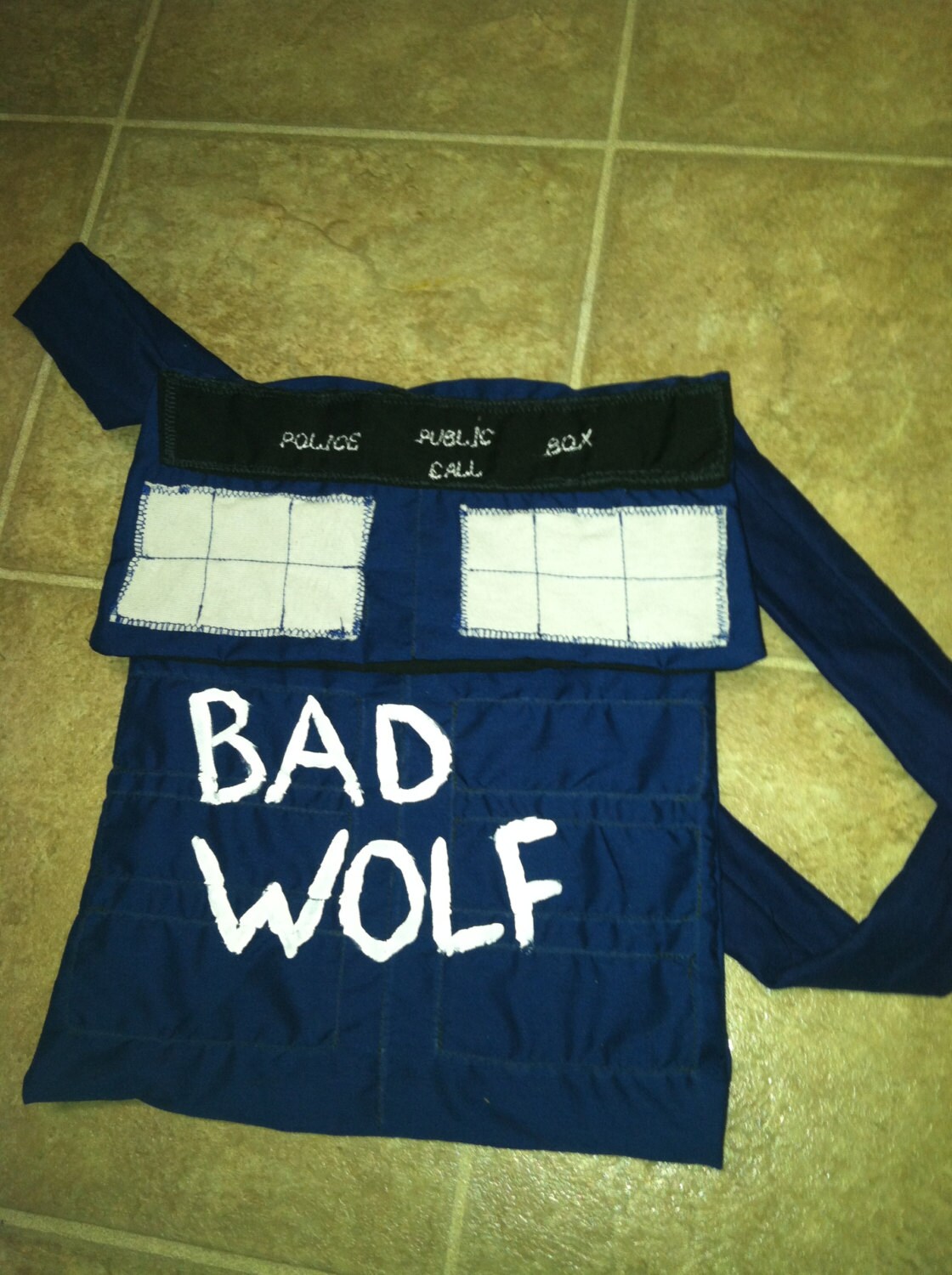
Hello, As usual on Tuesday we select five shops from Etsy or around the web and choose an item from each that we think would make a great gift for you or for your gift giving needs. The three items below are from a lady with a heart after my own, because they are so cute, a mini-feature is in order. Nerdvana Mama
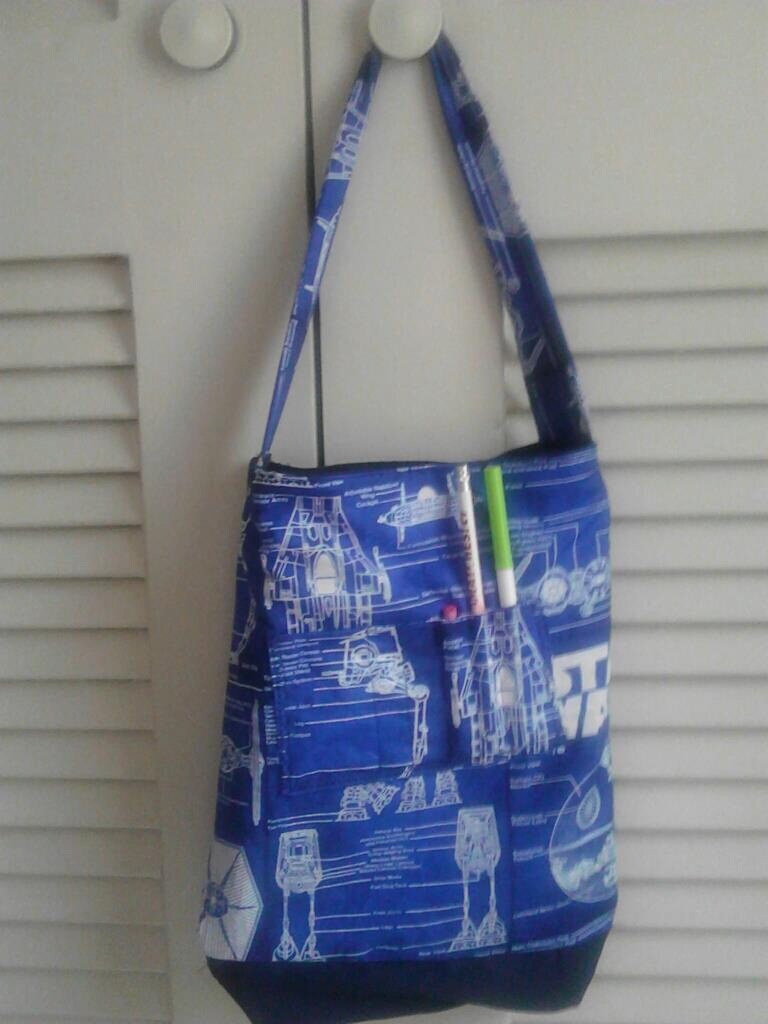
Star Wars crayon bag, holds at least 4 coloring books. Has front pockets for crayons, markers, pencils, etc. Could also be used as a bag for an ipad or mini portable pc.
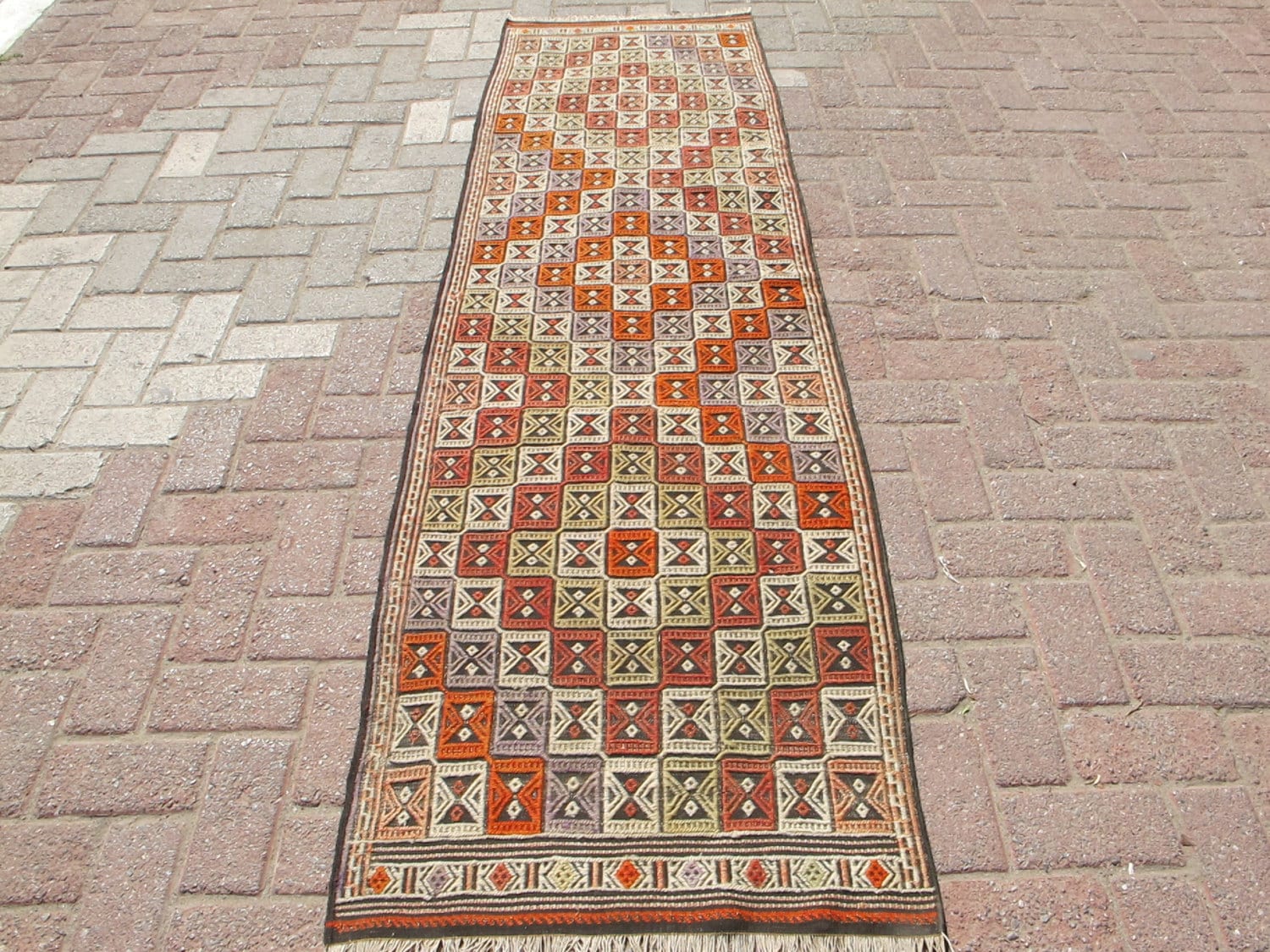
Turkish handwoven wool Kilim Rug Carpet All units Naturally Dyed Rug weaving is extended, Washed and clean (dry clean Preferiable) Excellent Condition, ready-Length,81.8 ” x 27.1″ (208 cm x 69 cm) TURKISH POST TRACKING NUMBER BY INFORM WORLDWIDE SHIPPING! USA, Australia and CANADA SHIPPING WORLDWIDE SHIPPING DHL EXPRESS SHIPPING WITH THE REST OF TURKISH POST (please contact us for shipping costs!) AND RETURN, 14 day money back, buyer pays return shipping!
Good Morning, Last month there was a contest on the Handmade Artists Forum, aimed at making a Movie or a Video showcasing the site we all love and with which we hold buyer or shop accounts. Because my iMac is not quite vintage but it is outdated, and I was, as were many others for various reasons, unable to compete in the contest. My problem was simply a technical issue. However; in hope that they may try the contest again, it might be helpful for those that don’t have Movie Maker (Windows) or just don’t like their iMovie program, they might want to try using Picasa. Picasa is a free photo editing program on the web, if you have a blogger blog or a Google account of any kind you probably already have Picasa. My version is Picasa 3 for Mac OSXs. I am guessing that the program works more or less the same on either a MS or Apple based machine. I should mention that Picasa is fairly limited to movie making. Basically it is drag and drop photos to a new folder, click a button, let the program do it’s thing, add Title Cards (Slides) and add music. A word of *caution about adding music. Facebook WILL delete your video if you attempt to upload it to your page if you use an audio or music file. How To Make a Movie using Picasa 3 1. If you do not have Picasa you may click the link above to down load it. It is free. 2. Open your Picasa program on your desk top. You do not have to be logged into the web. 3. Click the + File Button at the top of the box.
Follow the Prompts in the Dialog Box
1. Enter a Name for your video 2. Change the date or leave it as is. 3. Choose to include music, click the box, if not leave blank.* 4. Place: I suggest using your business name. 5. Description: Anything you like. 6. Click OK. Your new folder will appear at the top of the program screen and will be empty. Select the photos you would like to include in your movie. Picasa should have all of your photos collected for you. Choose from an existing file or upload fresh pictures if you like. From a File: 1. Click on the photo you would like to add to the movie folder (file). 2. Right Click on the picture to bring up the menu.
3. Highlight Add to Album (as above). 4. A selection of available folders will appear, select the one you created for your movie. NOTE: The picture will be copied to the folder (file) you created for your movie and still remain in its original folder (file) as well. 5. Continue to Add photos to your Album until you are satisfied. *You may edit and add more pictures later. All done? OK. Your folder will look something like this.
From the Menu at the top of the screen, click “Create Movie Presentation”. It is the third button from the left.
Create Movie Presentation Button
You will be whisked off to a screen that looks something like this.
You are in the Movie Maker Tab The First Tab in this window is Movie This first box is where you may choose your options for music (sync with photos). Transition Style (What the pictures do when the movie is played , fade, dissolve, etc). Dimensions – Full Screen or an actual dimension may be chosen. *I chose 800 x 600 so the photos would not automatically crop to odd views in Full Screen). The Second Tab in this window is Slide.
This is where you may change the text of the Title Slide (this is the first picture in your movie). 1. You may choose fonts, and varying styles. 2. You may also change the style of you slide’s template as well as the wording. 3. Type your changes in the box on the left, they will appear on the slide to the right. Double check your spelling. 4. You may also add more slides by clicking on the icon that looks like a rectangle with lines in it. (See photo). The photos and slides you have placed in your movie can be seen in the “tray” below the main screen. (See photo above). Almost there! The third tab in this window is Clips If you would like add photos you may do so here.
1. To add photos click Get More. It is the way you want it? Great. Return to the Movie tab.
1. Click “Create Movie”. The movie will take a while to download (mine took about five minutes or less). The movie will begin when processing is complete. After the movie ends, if you would like to make any changes it will give you an opportunity to Edit the movie. You may also return to the Clips page and remove photos after the movie has been processed. Select individual photos to be removed. *Remember each edit will take another five or so minutes to process your changes. After you are satisfied with you film, it will be saved to Picasa under the folder “Movies” (mine was any way) Before closing out the window, if you would like you may watch the movie again or select the YouTube button and upload the movie to your account. The finished product can look something like this.
In hope that you have enjoyed the tutorial and that inspiration may strike for your own video, or that you might give it if try, just for fun. Thank you for stopping by and having a look. The Alchemists Vessel would like to wish you a pleasant day.
My departure draws near, and I am getting excited! That’s right, I said departure. Next week I will be unavailable. I am going to take some time for me before I burn out. Recharging the batteries, spending some time away from the workbench is good for everybody. There will be working, this is for sure, but for one week the blog will be sporadic at best.
Why movies today? A lot of inspiration for fashion comes from film or television. Harry Potter’s knitting craze, or Hermione’s “Time Turner” for instance, jewelry from the Lord Of The Ringslike Arwen‘s Butterfly Pendant can be purchased on line or through specialty catalogs . See a piece you like on your favorite show? Try Soap Opera Jewelry, from Soap Operas to programs likeBones, they carry replica jewelry of the pieces worn by the actors.
Below are movies that are out now, or just winding down their theater runs that I would like see, not only for inspiration on style, but because I am interested in the story as well. They all have a Gothic appeal from your classic ghost story, to Edgar Allan Poe and a re-telling of Snow White.










 The Alchemists Vessel